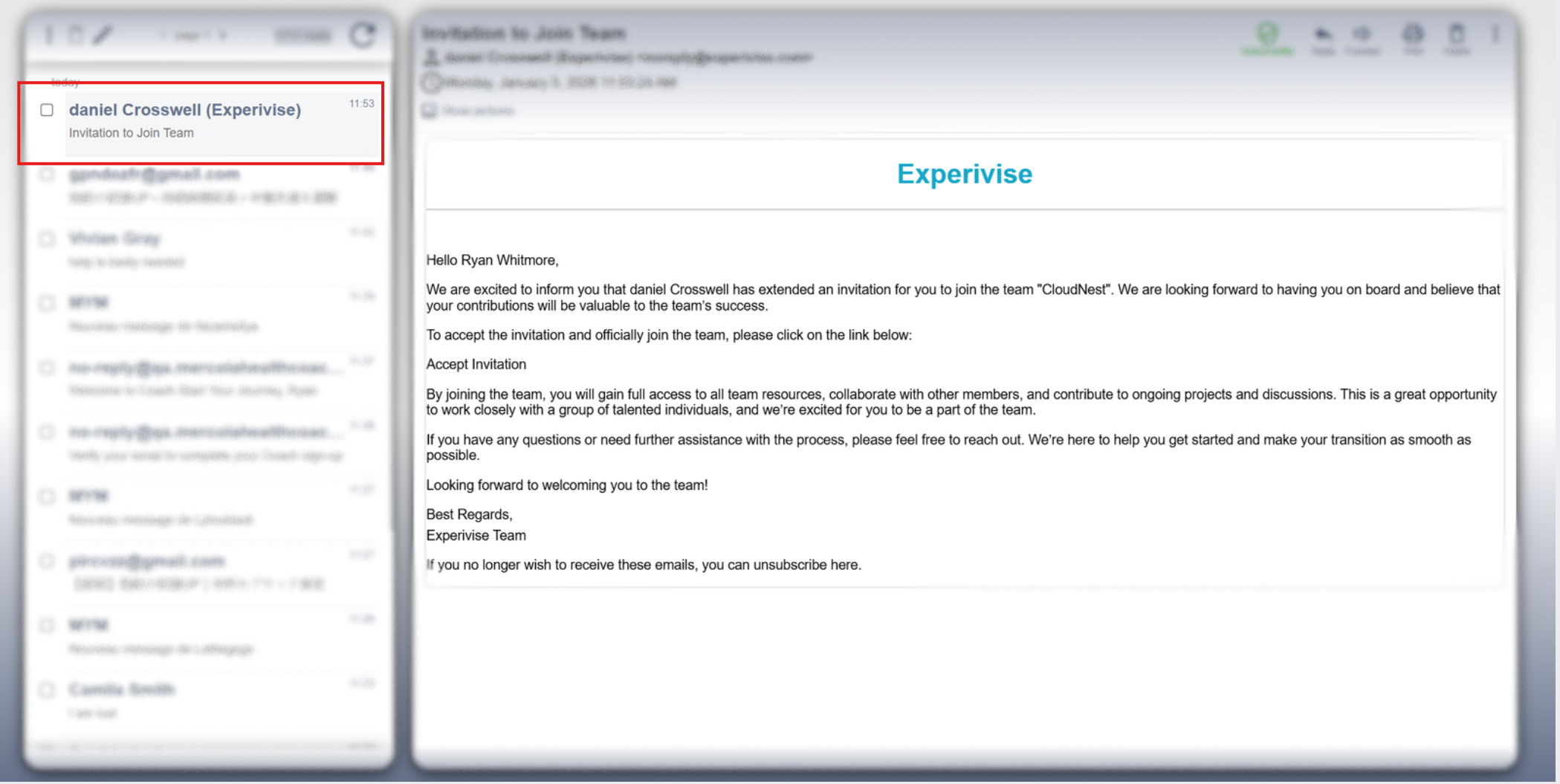
Open Your Email Inbox
Access your email account to locate the invitation email.
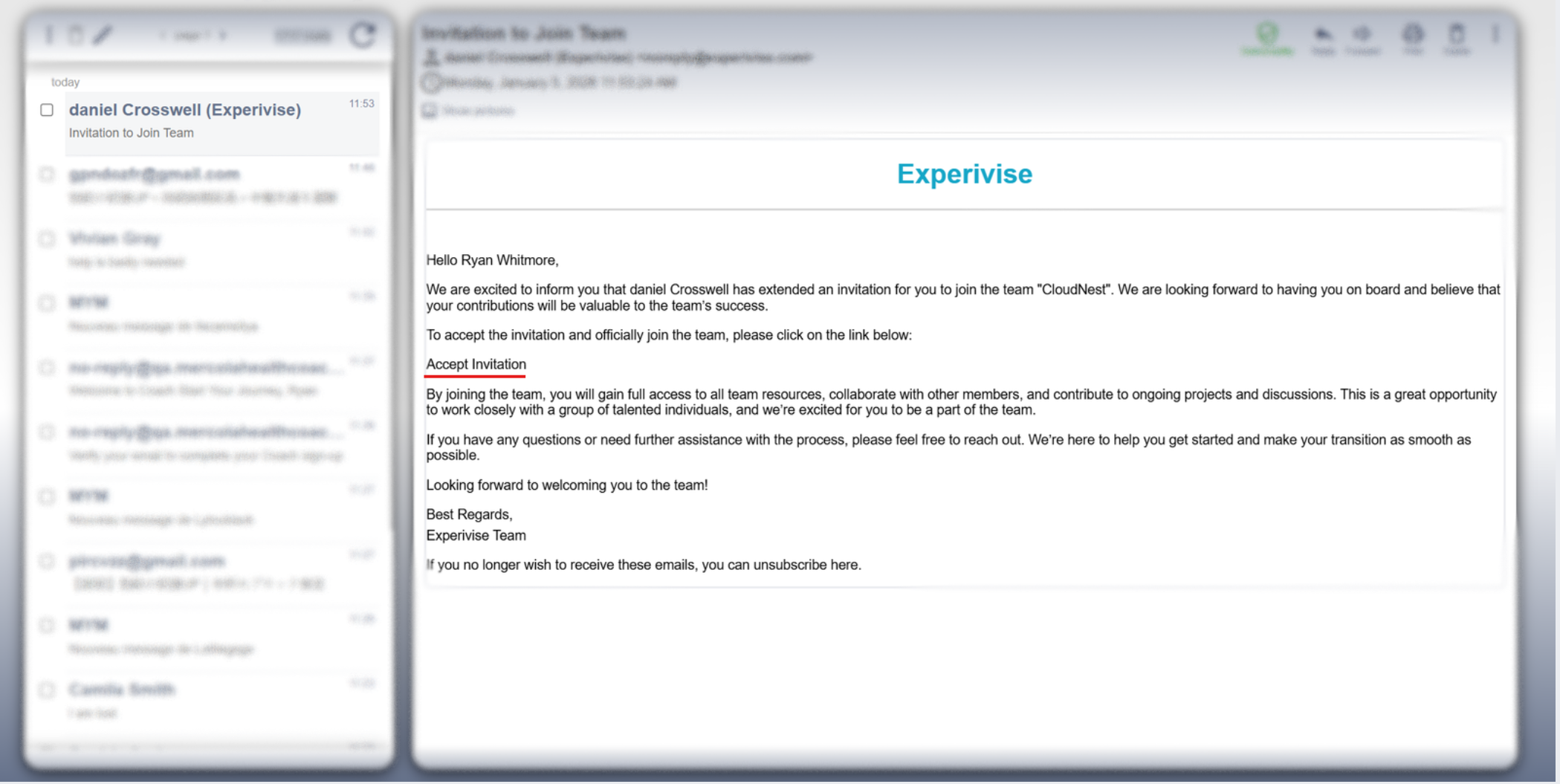
Accept the Invitation
Click the invitation link to proceed.
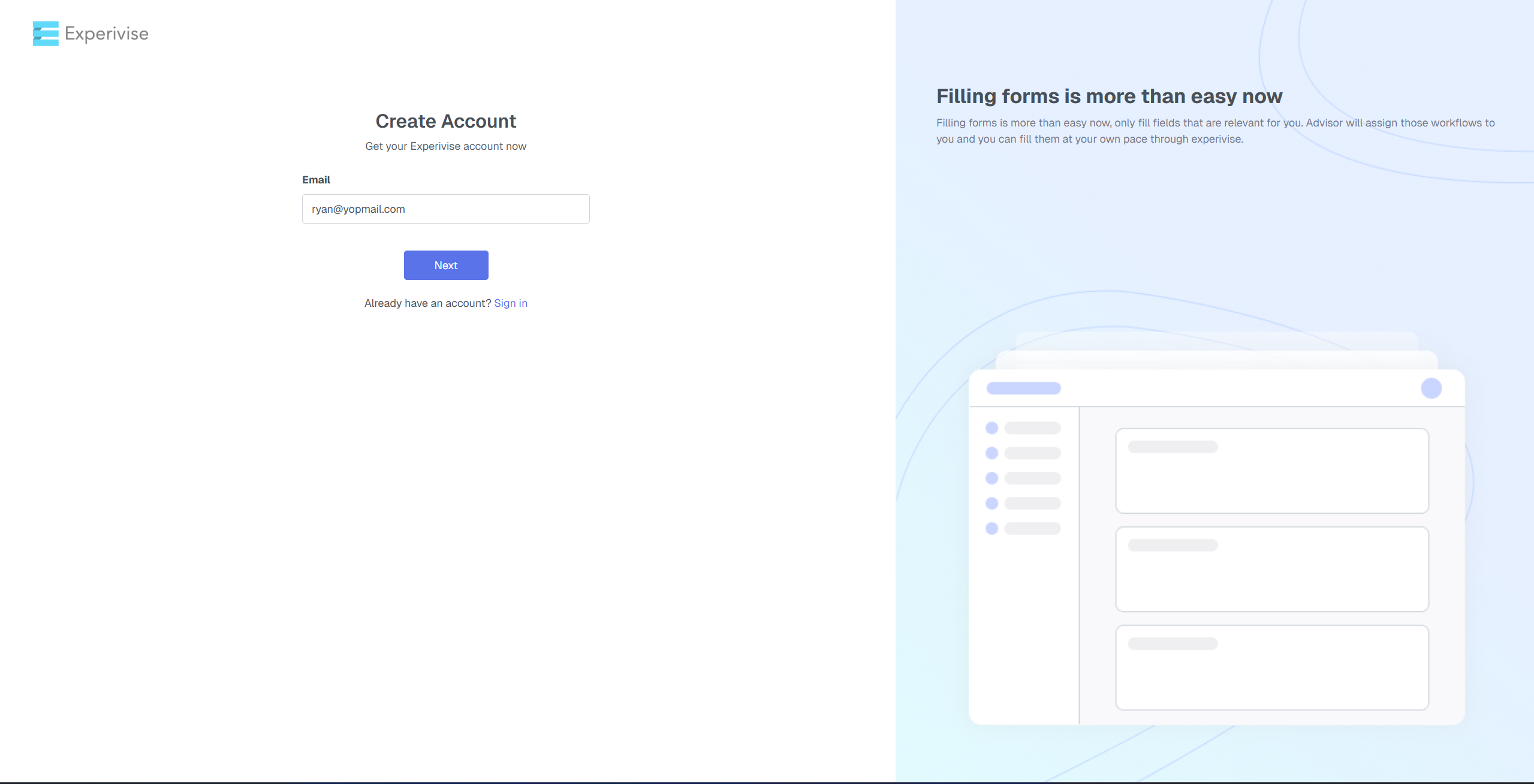
Create Account Page
Verify your email and continue to receive the OTP.
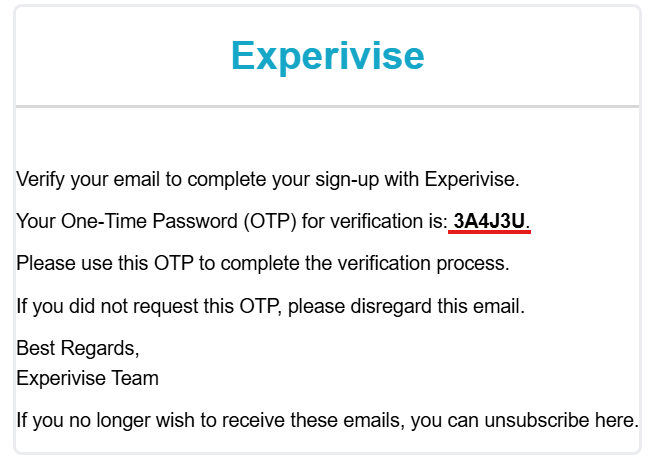
Enter OTP
Provide the one-time password (OTP) sent to your registered email.
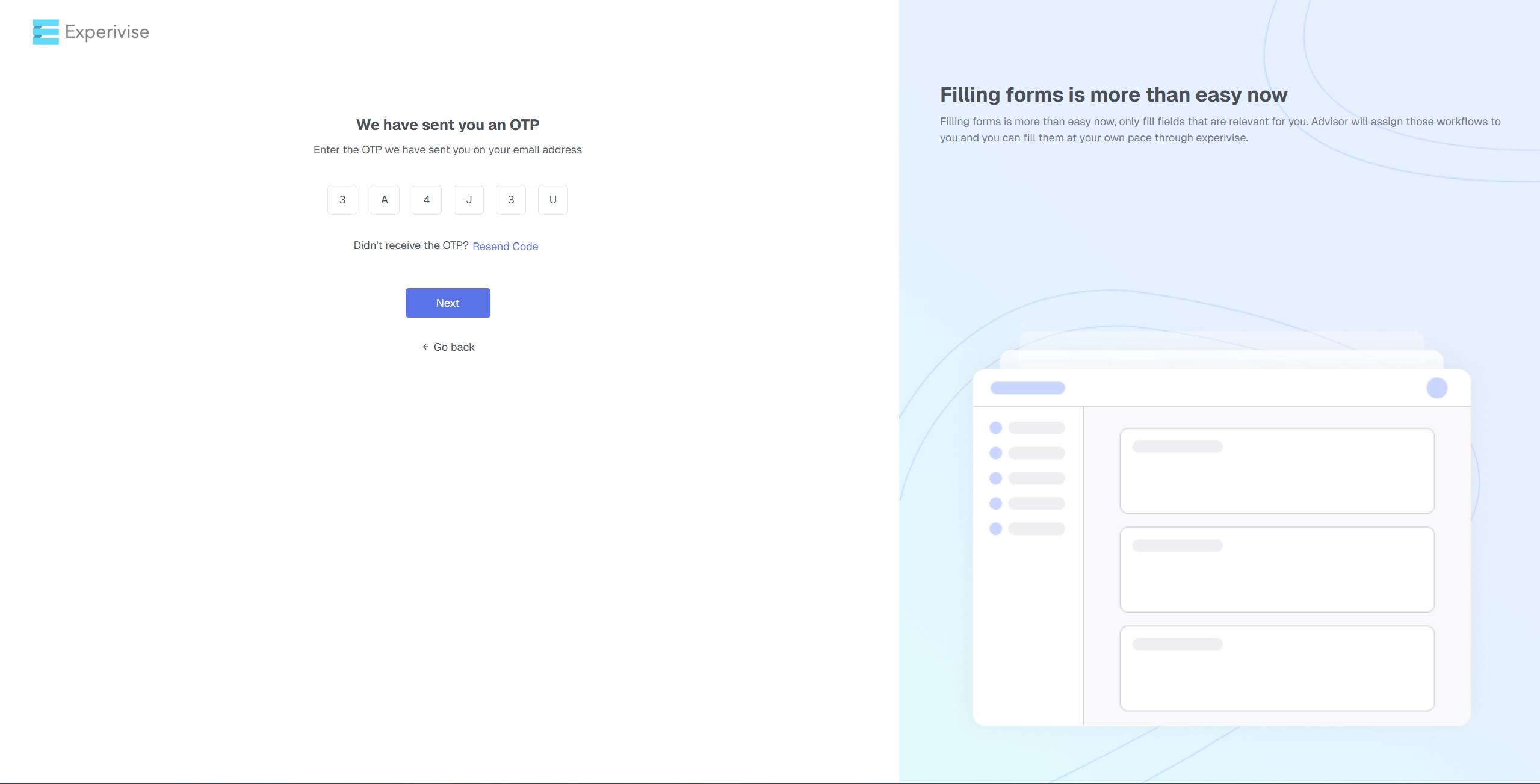
Set a Strong Password
Create a strong password, confirm it, and ensure it meets the security requirements.
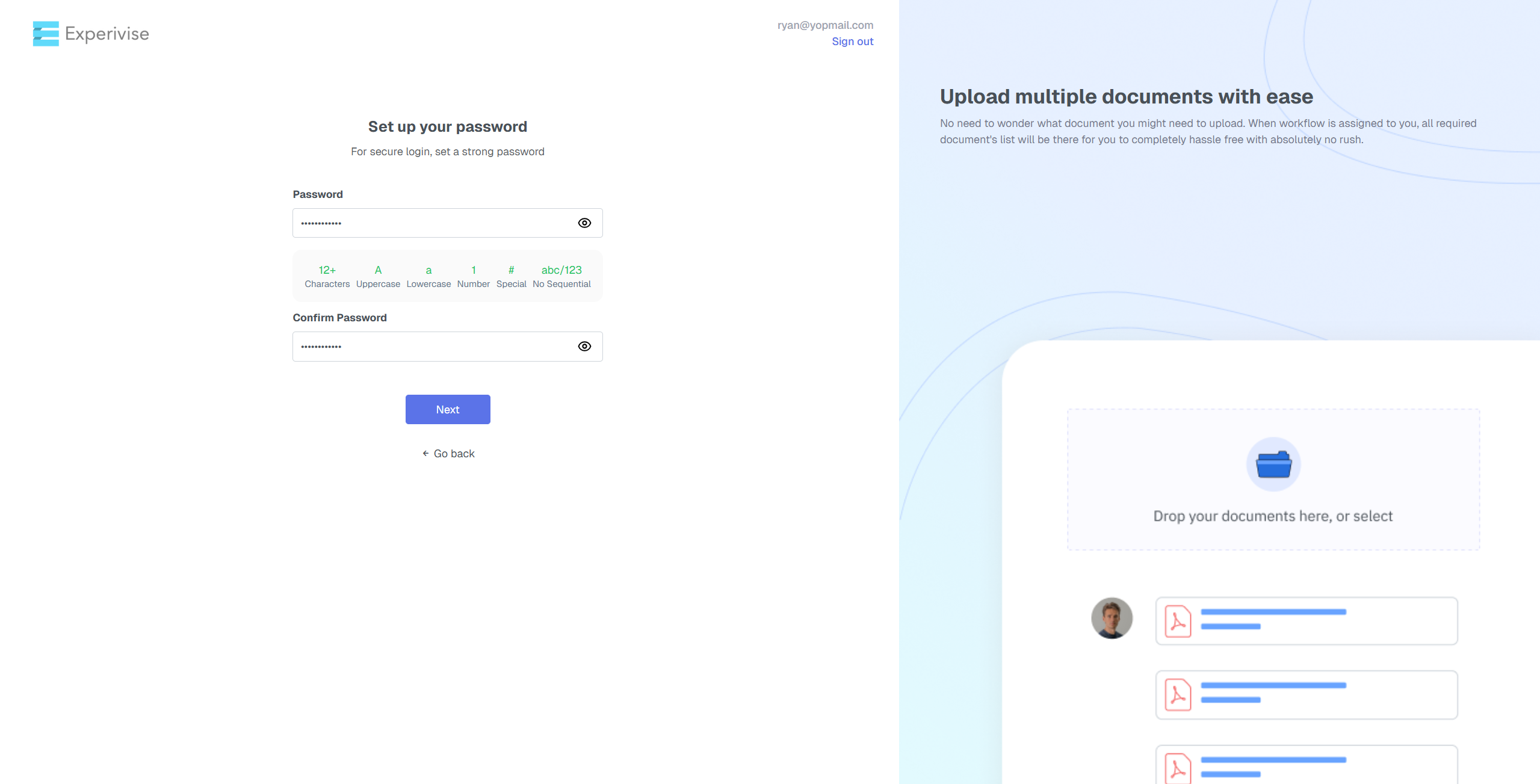
Mobile Number Verification
Enter your mobile number, then click ‘Next‘.
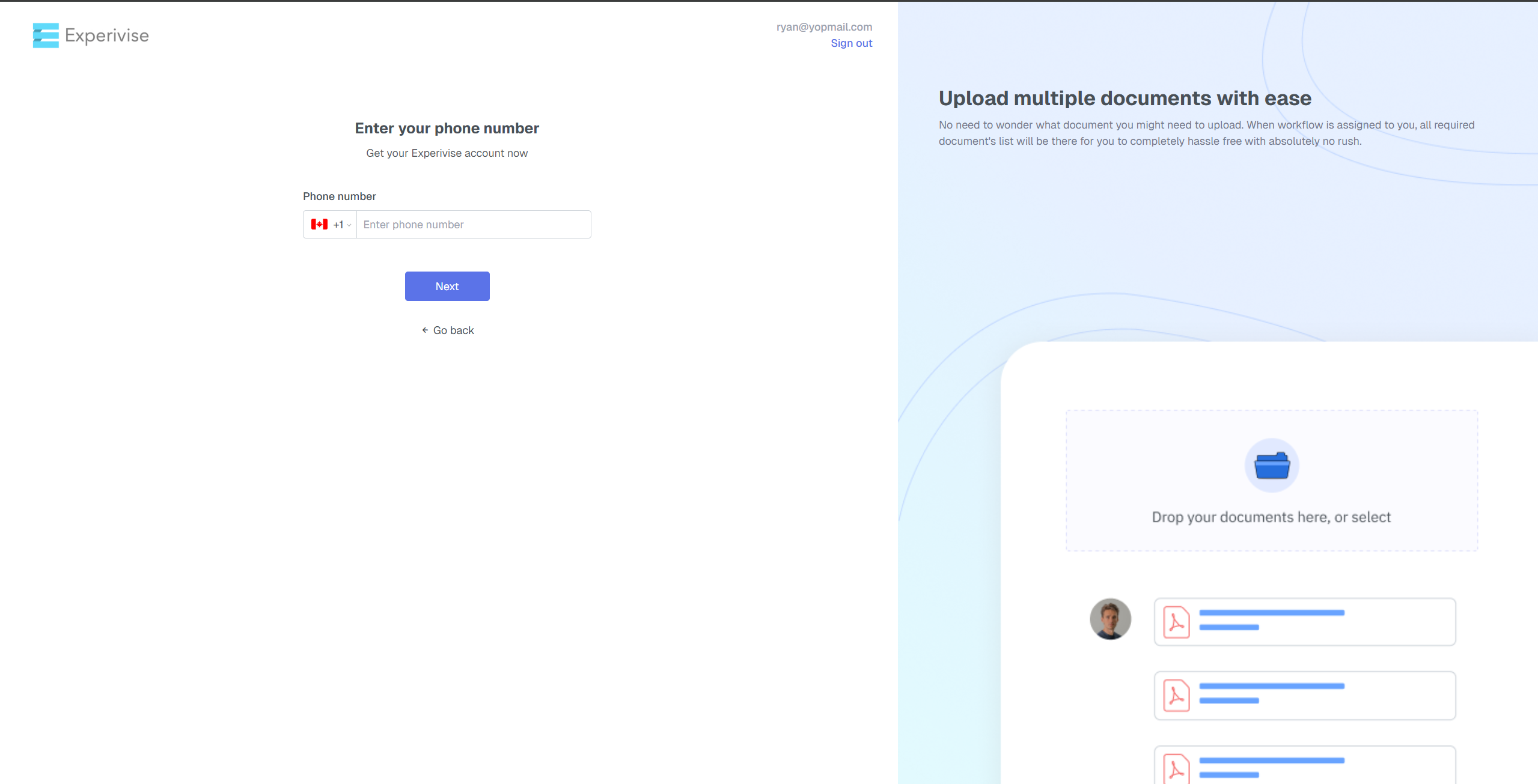
Enter OTP
Input the OTP sent to your mobile for verification.
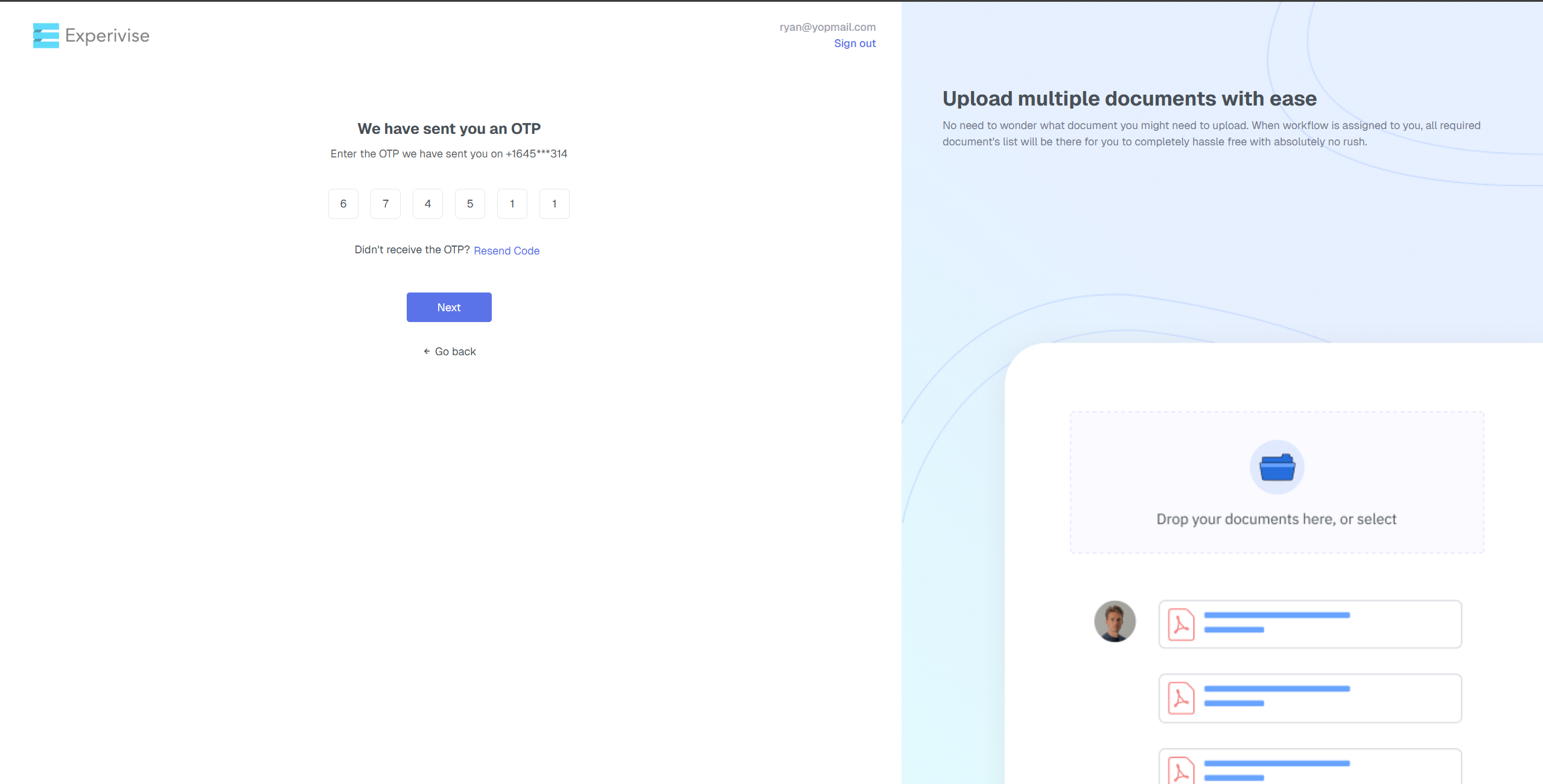
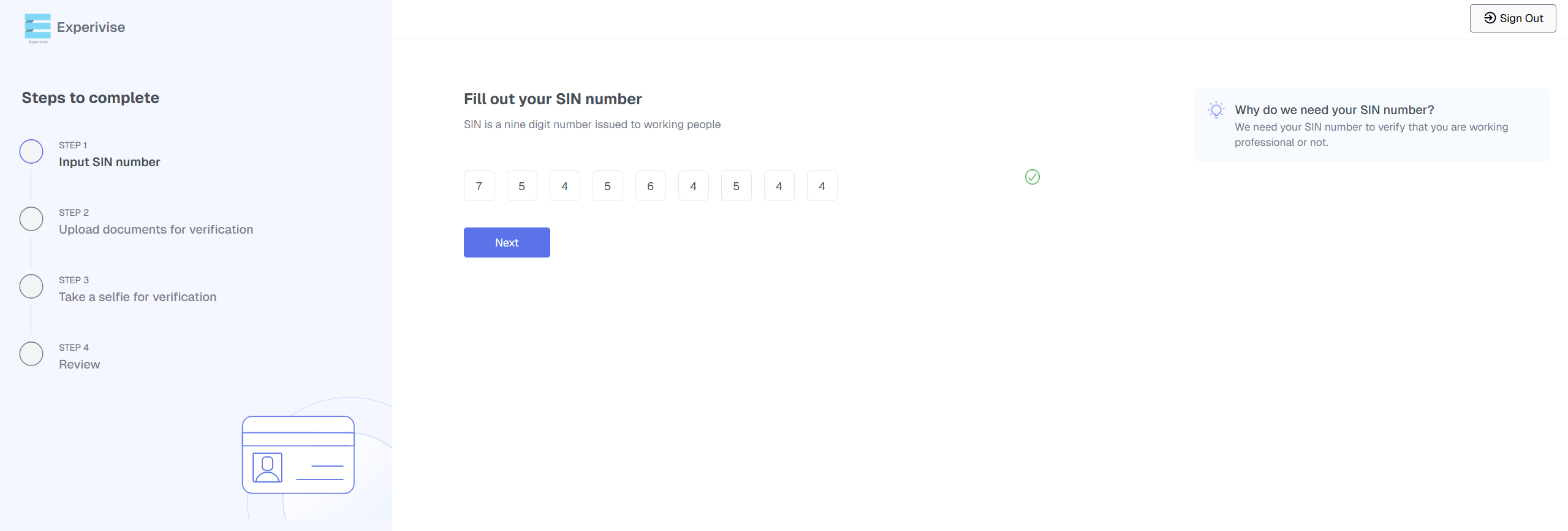
Enter Your 9-Digit SIN Number
Enter your unique 9-digit SIN number in the designated field, then click 'Next'
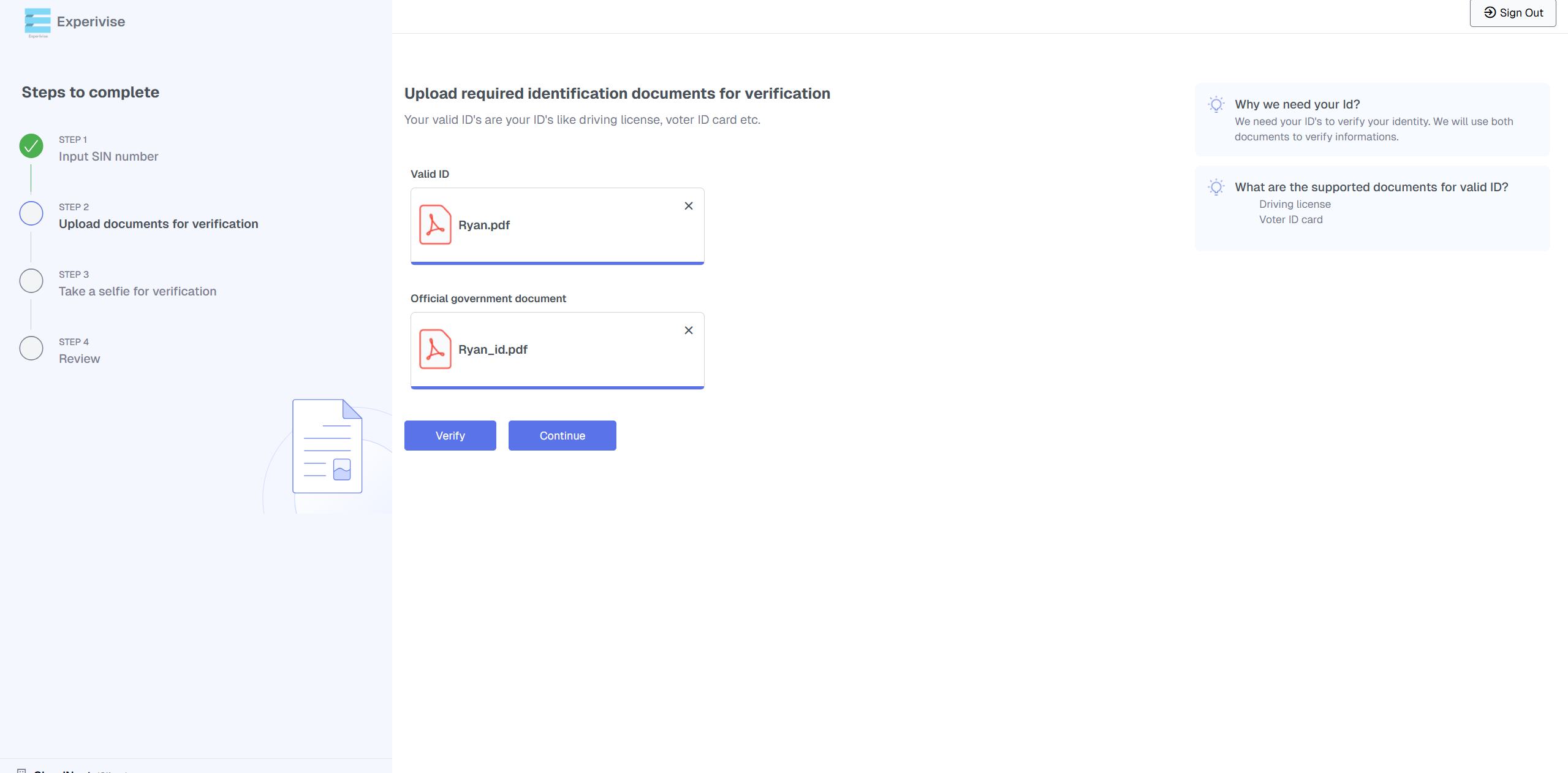
Upload Valid ID Proof and Government Document
Upload proof of a valid ID along with an official government document.
(To review the provided IDs, click “Verify”)
(To continue without verification, click “Continue”.)
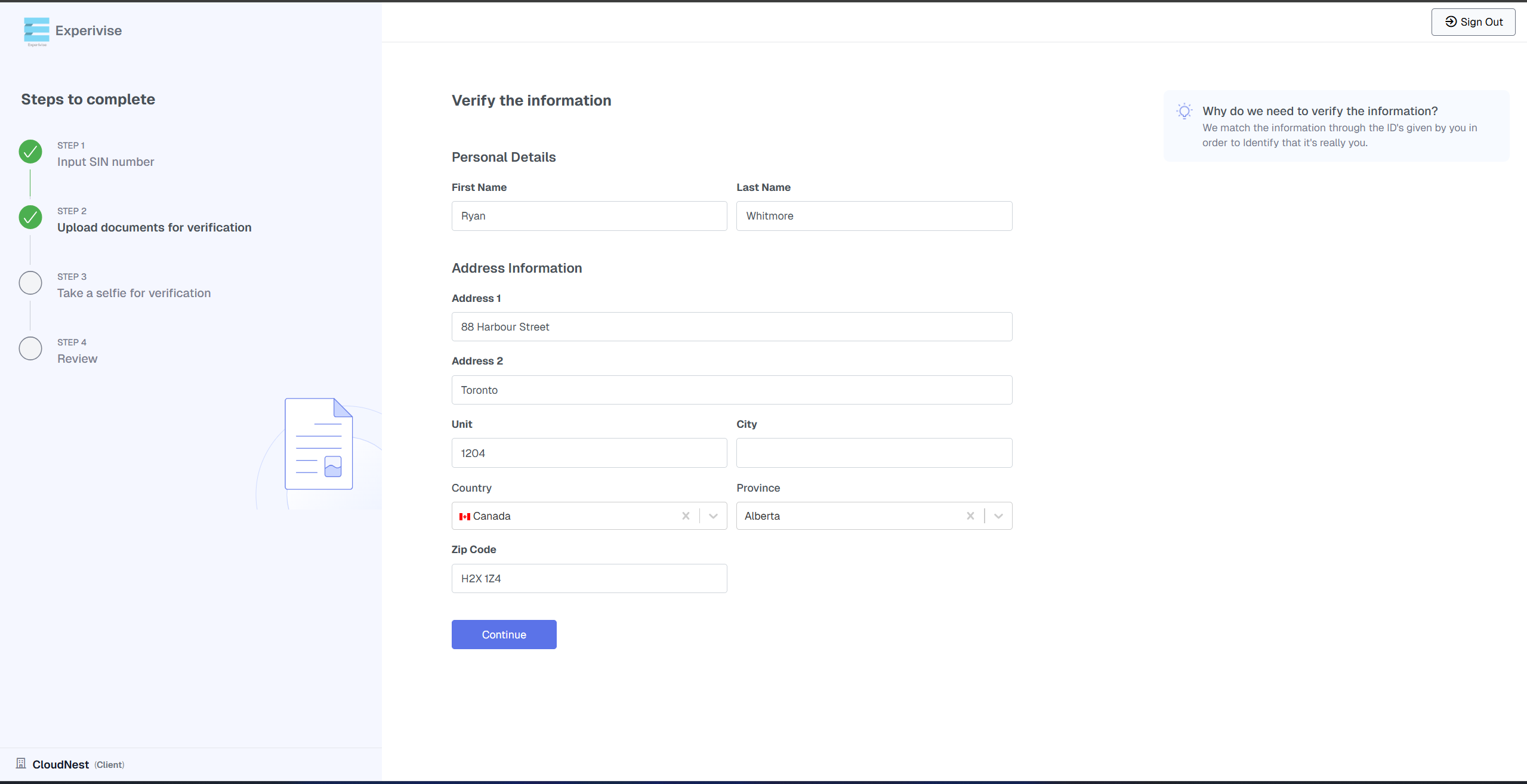
Fill Out the Verification Information Form
Fill out all required fields in the verification form and click ‘‘Continue’’.
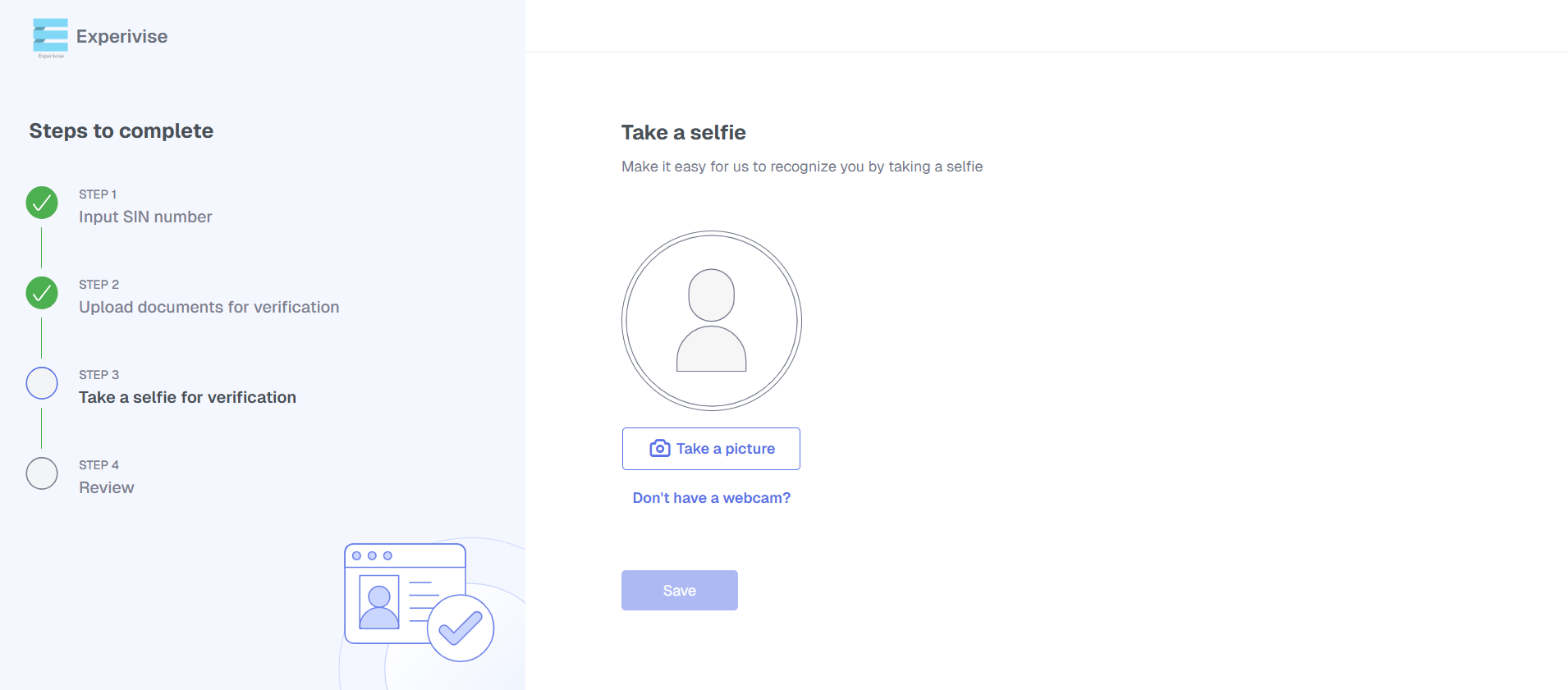
Upload a Profile Picture
Upload a selfie to set your profile picture.
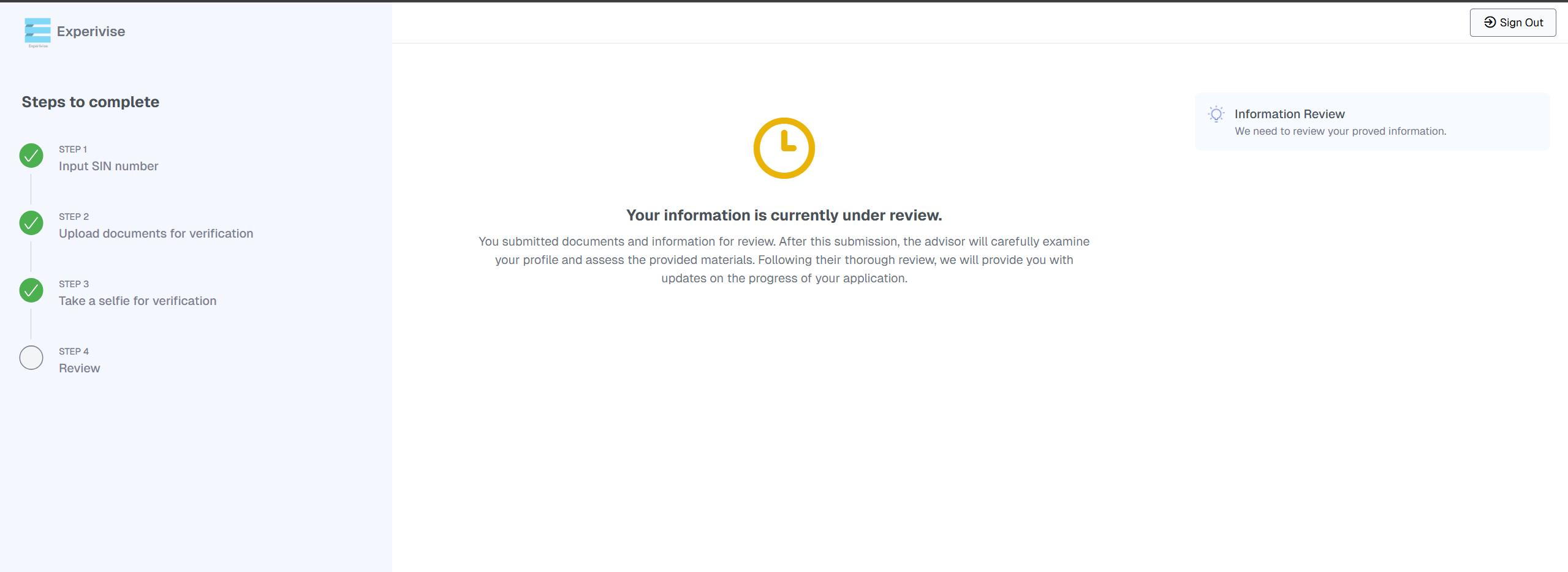
Account Under Review
Please wait for team owner to complete the account review.
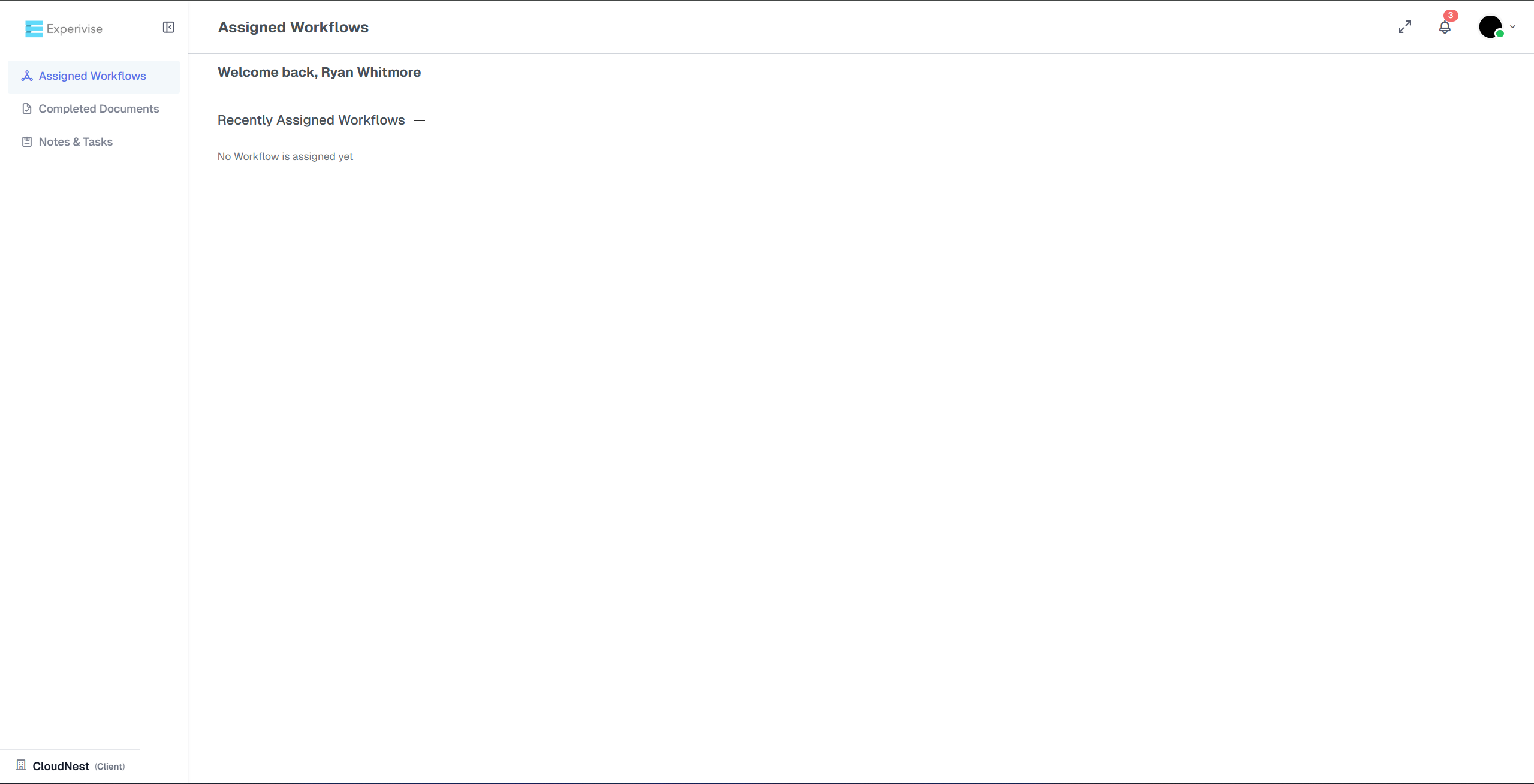
Account Activated
After approval, you can fully access and use the system.
Watch the video for a visual walkthrough :
https://jam.dev/c/8663c033-1114-4cfb-9ec9-6a7a9c0216bc
