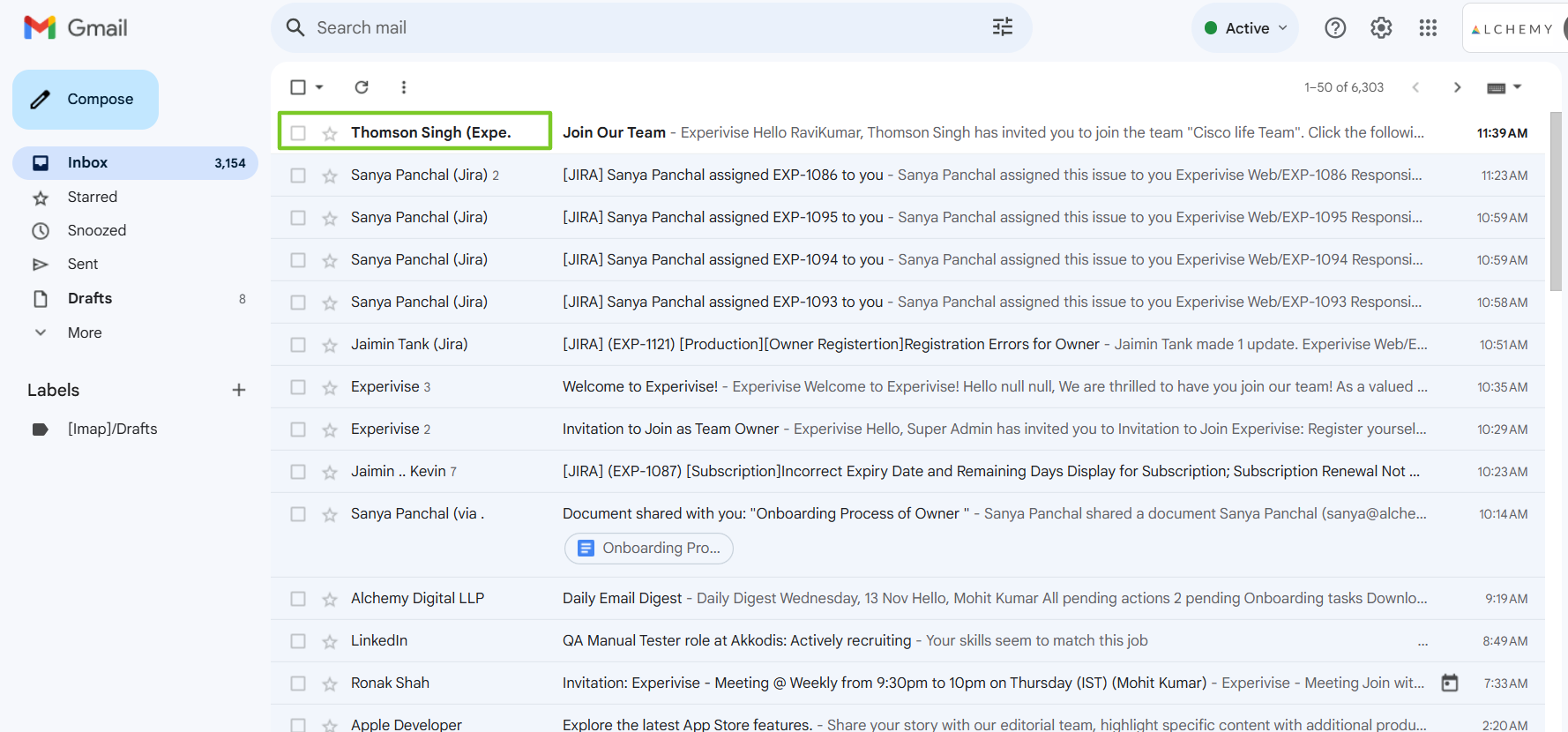
Access Your Gmail
Open your Gmail account to locate the invitation email.
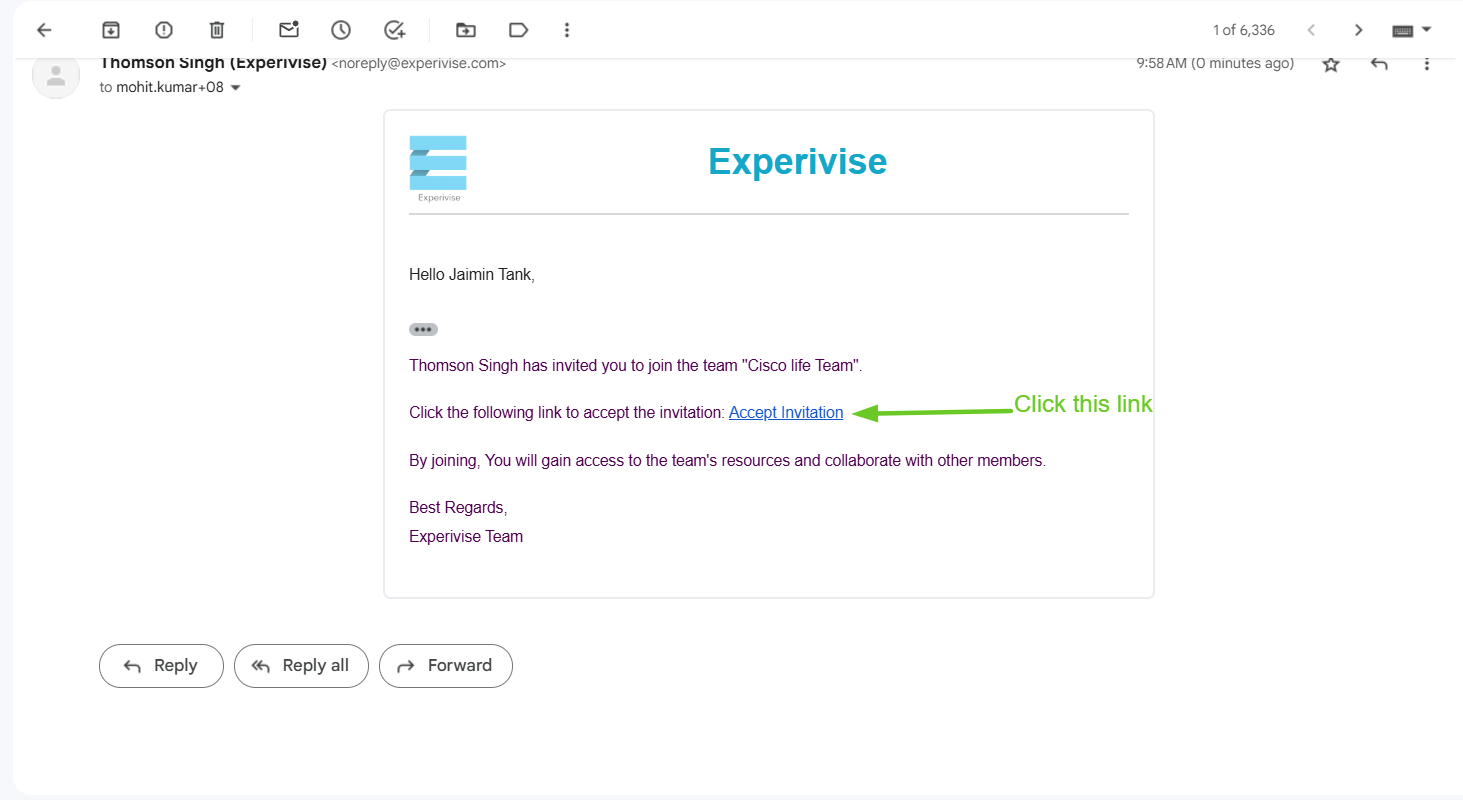
Accept the Invitation
Click on the invitation link to proceed.
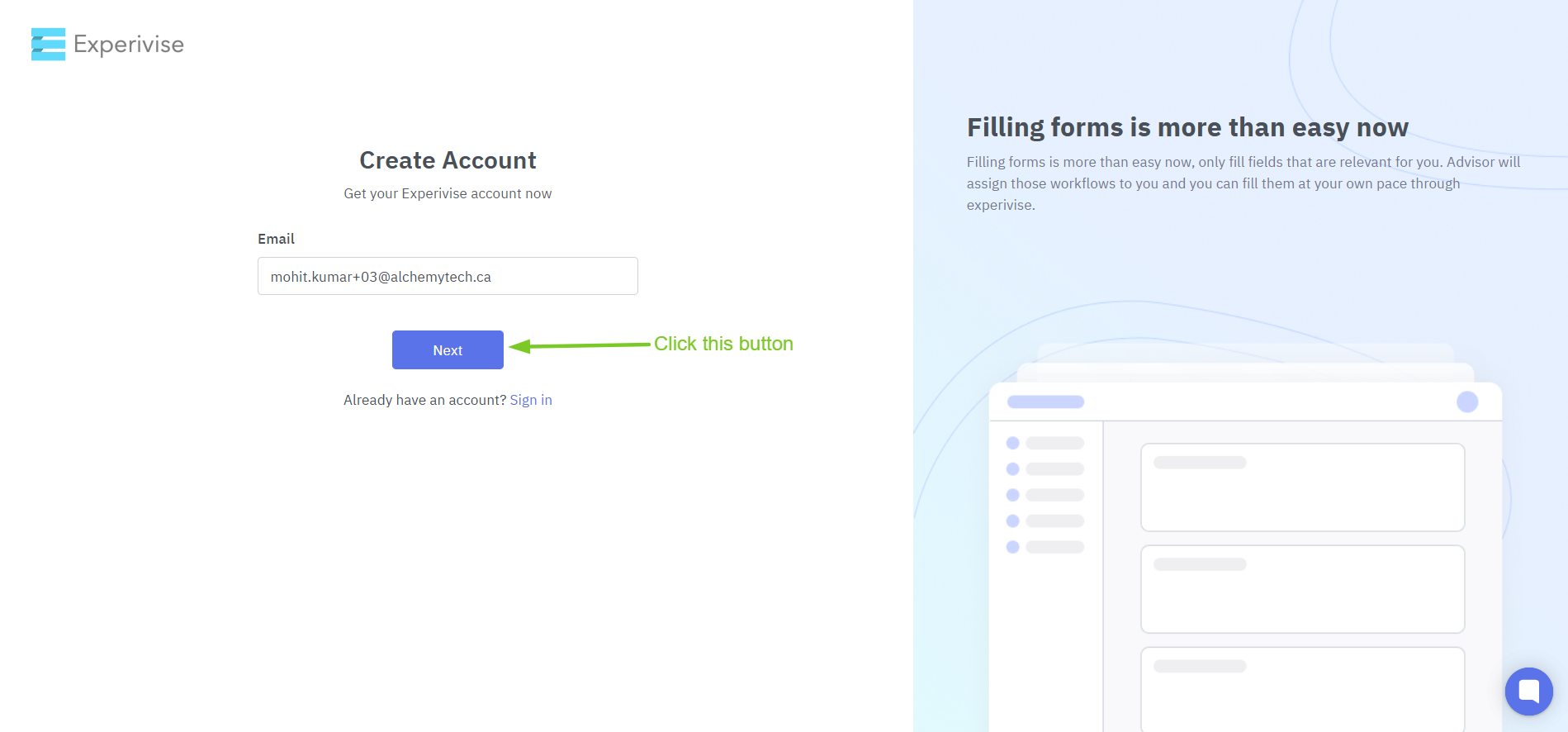
Create Account Page
Enter your credentials to access your account.
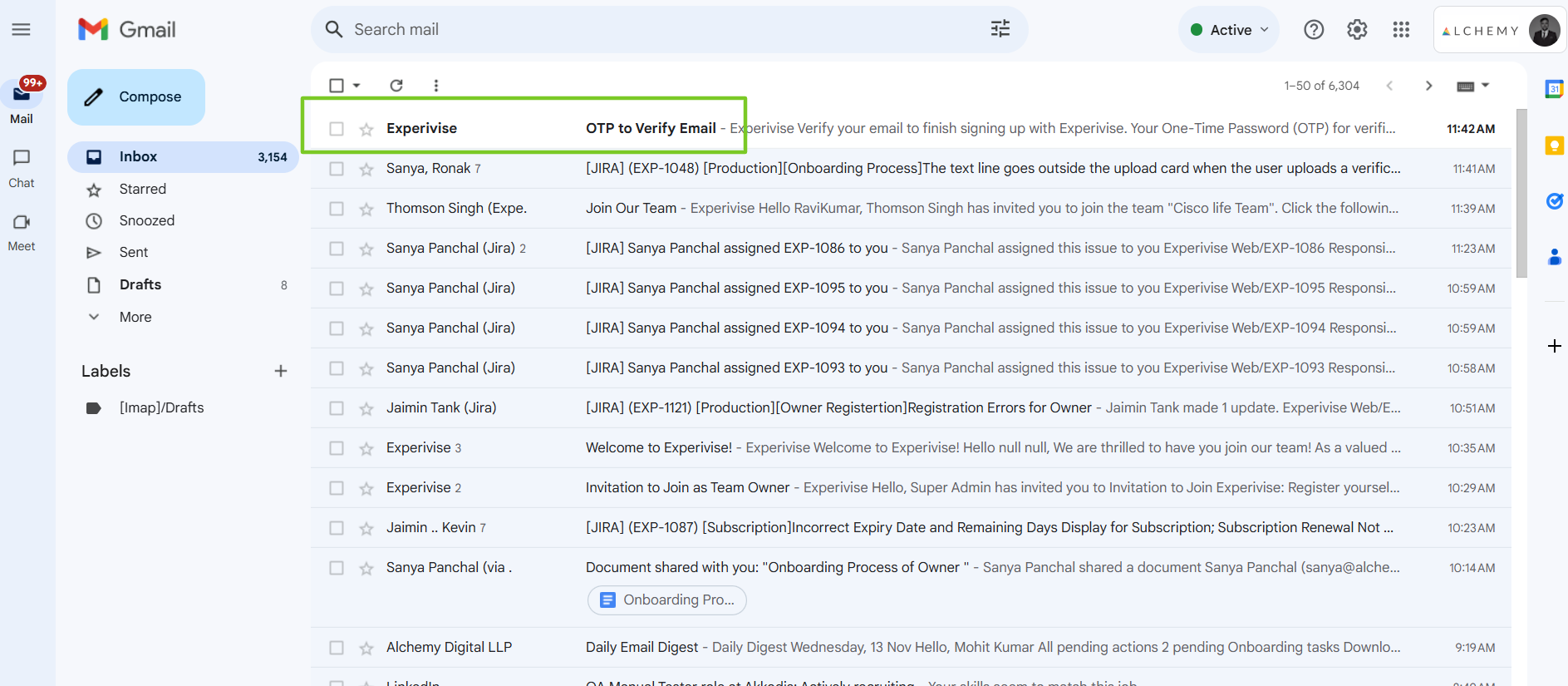
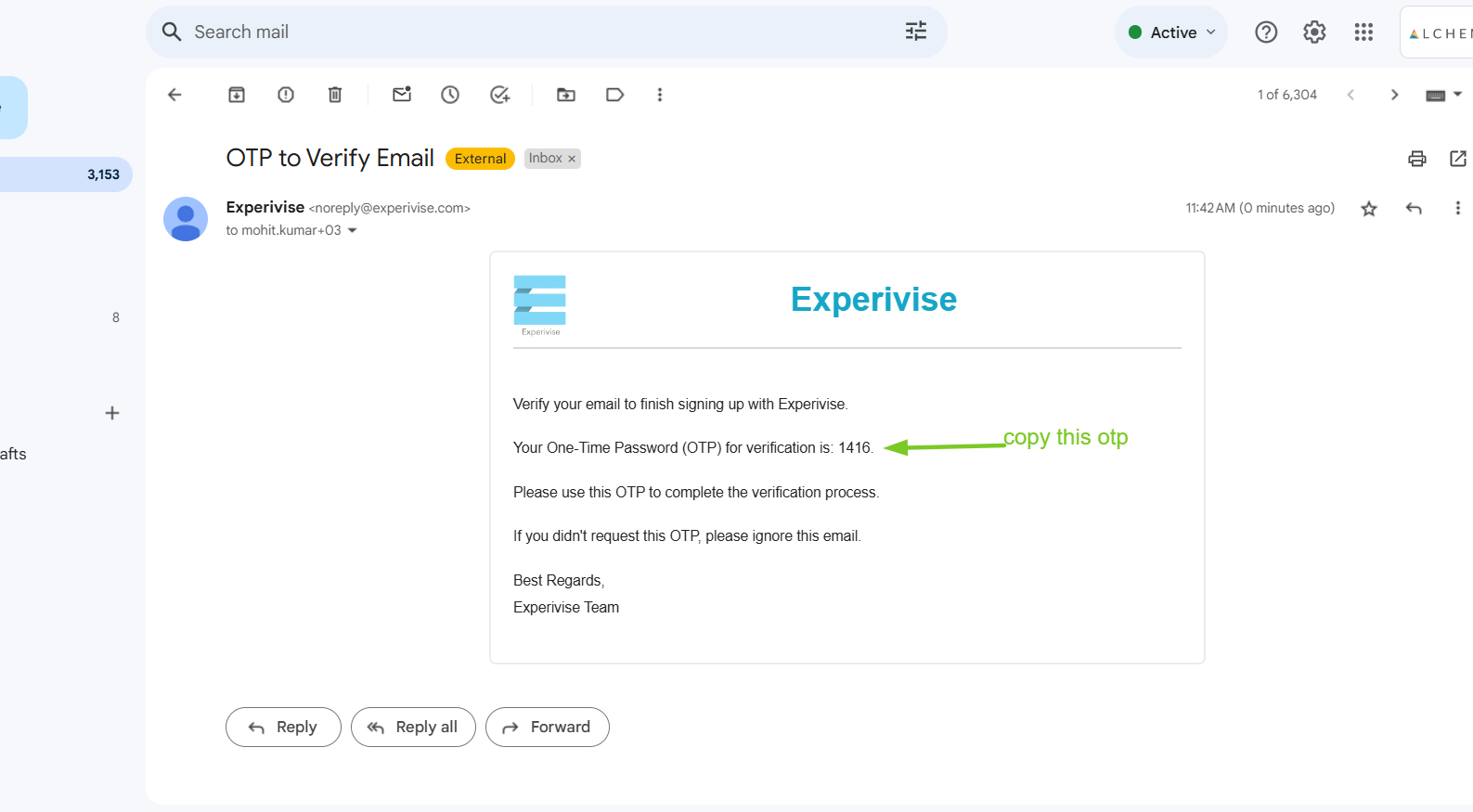
Enter OTP
Provide the one-time password (OTP) sent to your registered email.

Set a Strong Password
Create a strong password, confirm it, and ensure it meets security requirements.
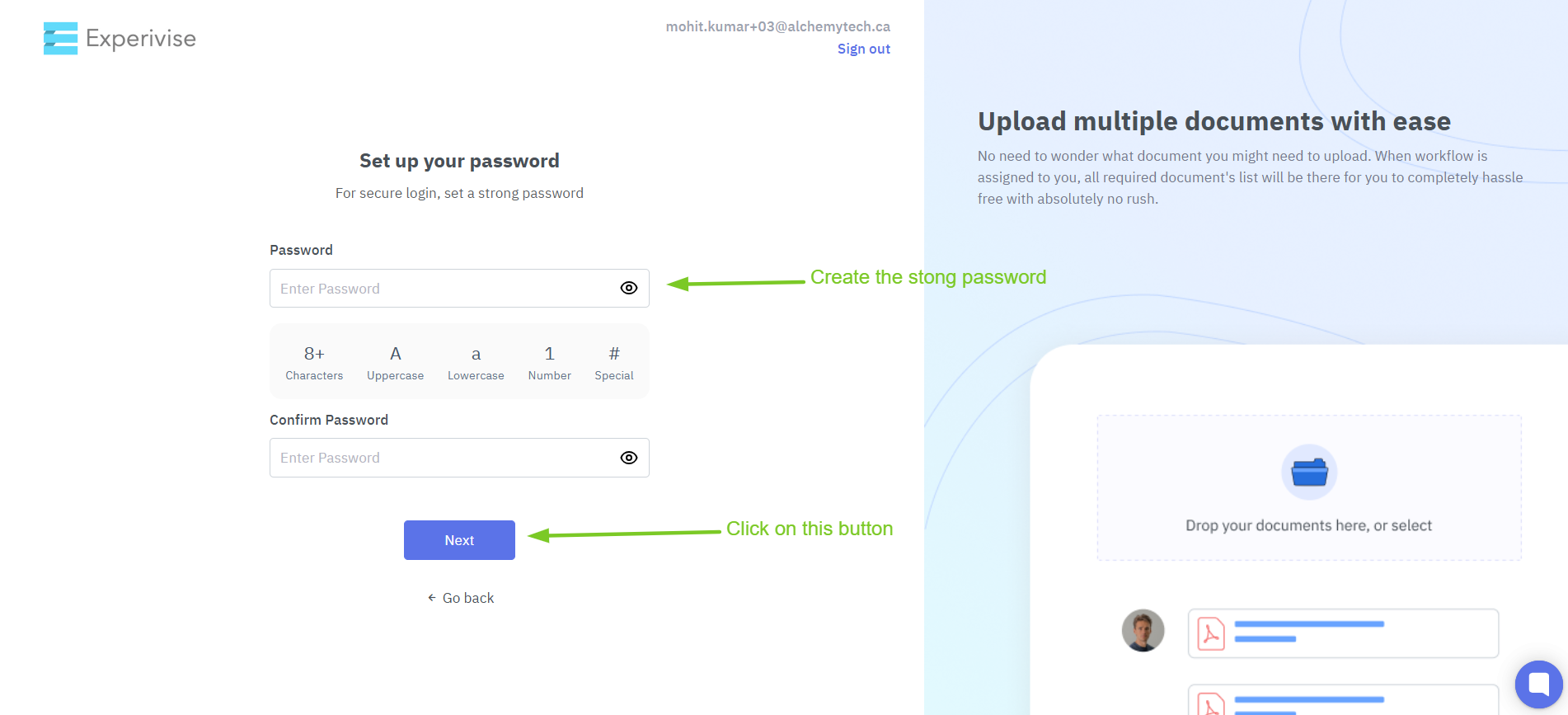
Proceed by clicking 'Next.'
Click on the 'Next' button to continue.
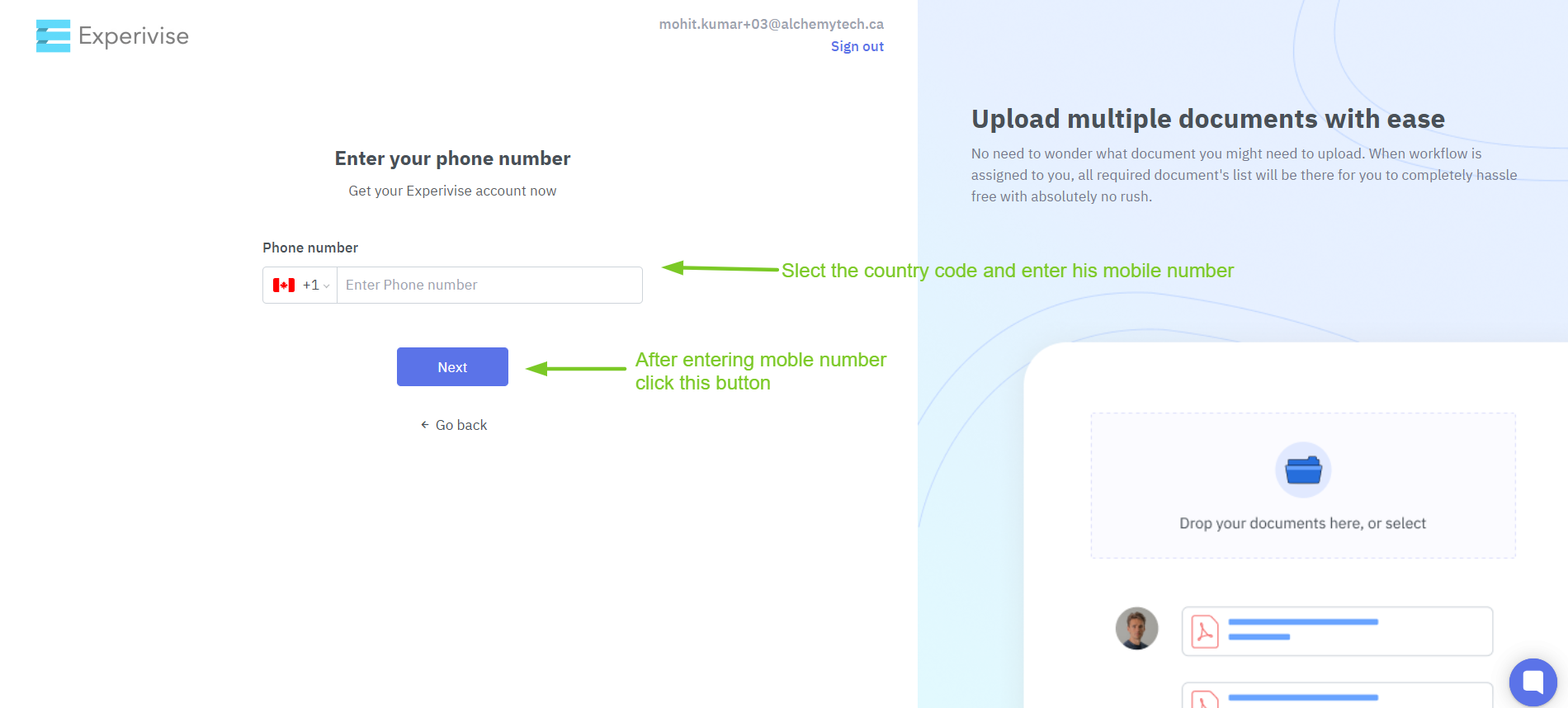
Provide Your Mobile Number
Enter your mobile number and click 'Submit.'
Enter OTP Again
Input the OTP sent to your mobile for verification.

Enter Your 9-Digit SIN Number
Enter your unique 9-digit SIN number in the designated field, then click 'Next.'

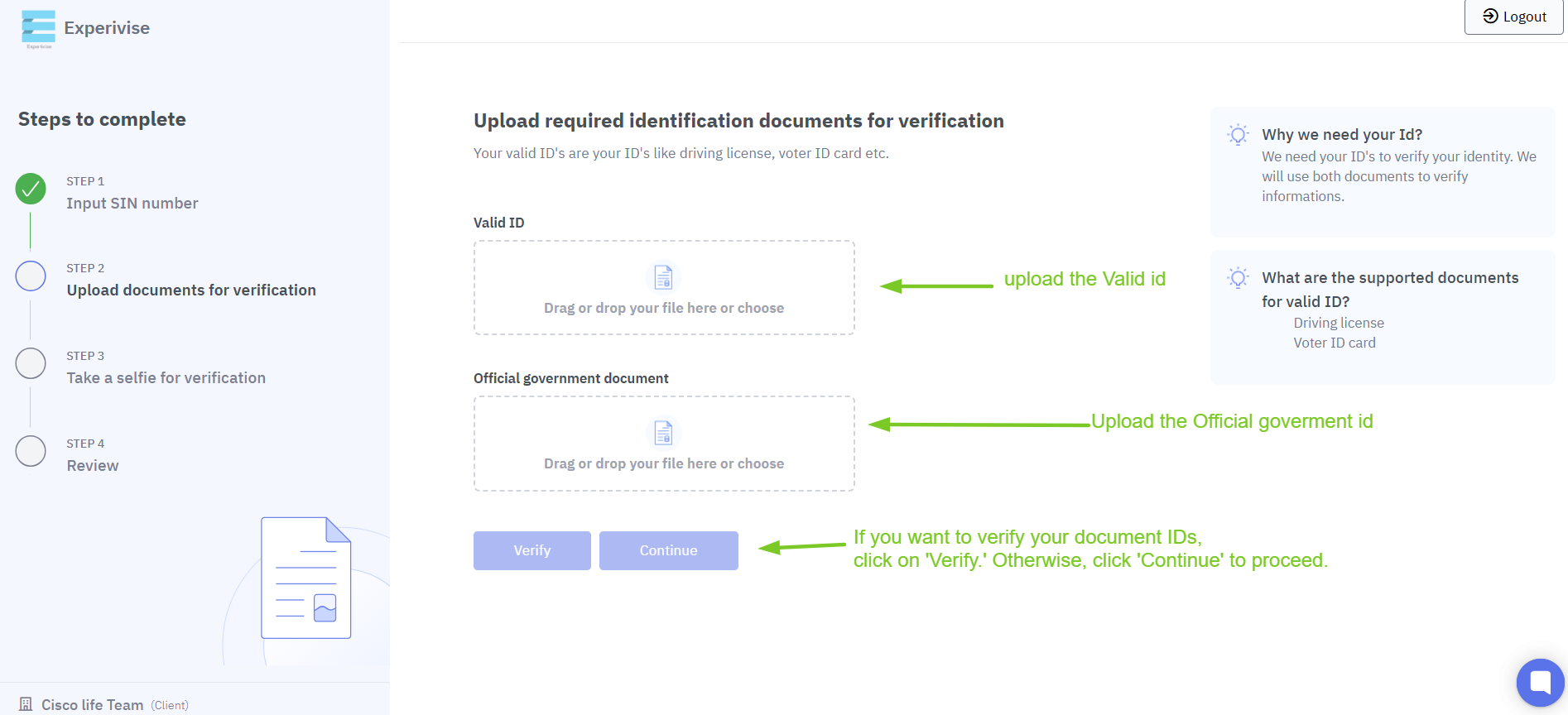
Upload Valid ID Proof and Government Document
Upload proof of a valid ID along with an official government document.
(Please review the information before clicking 'Continue.')
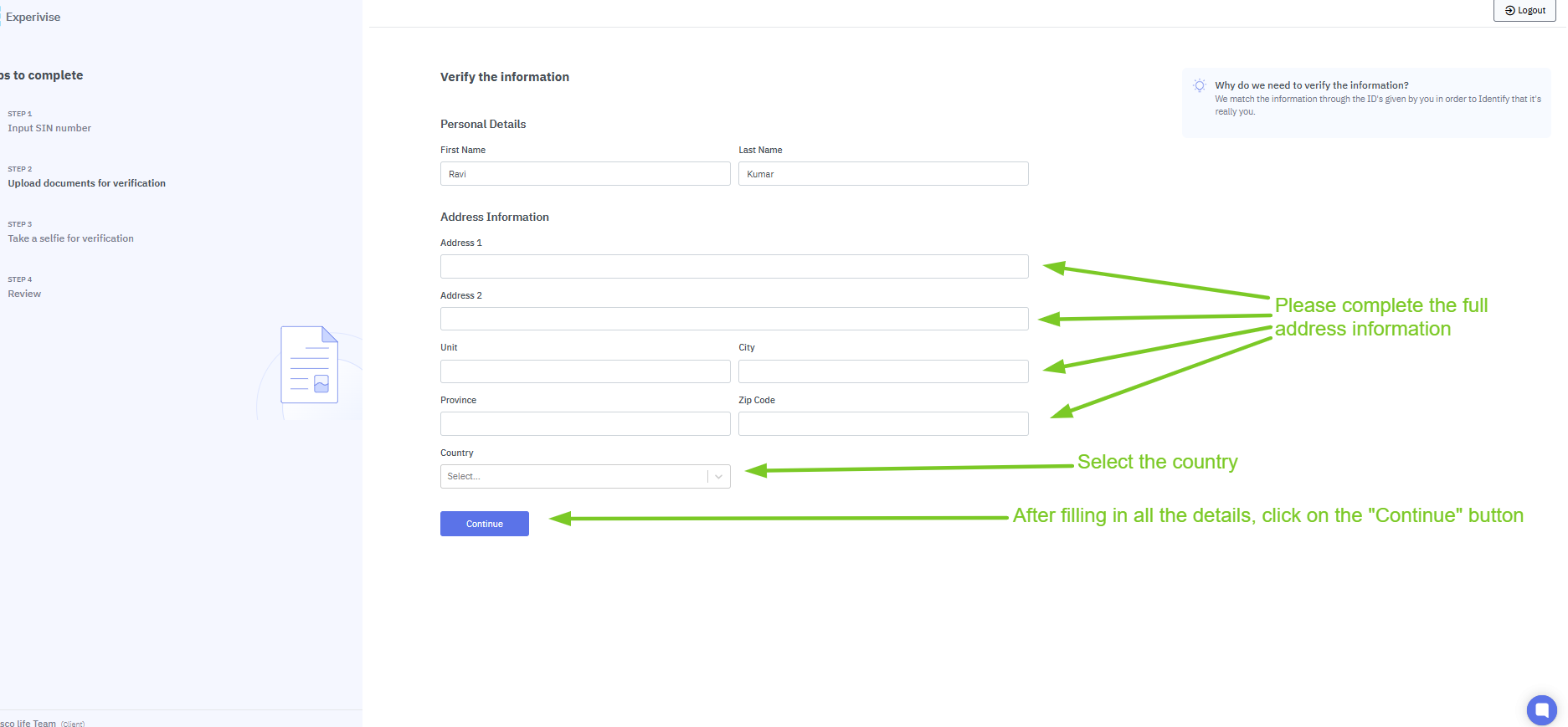
Complete the Verification Information Form
Carefully fill out all fields in the verification form, then click 'Continue.'
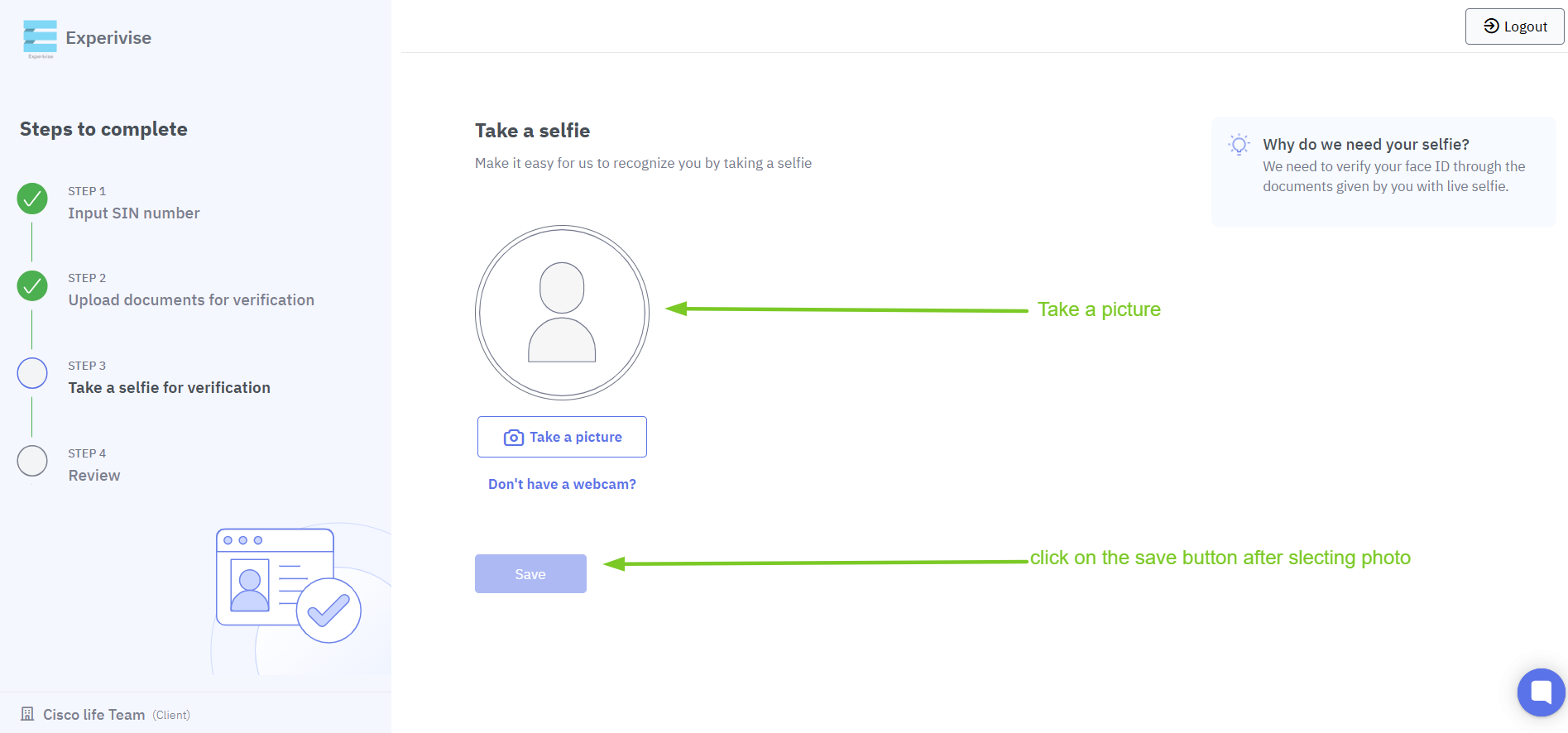
Upload a Profile Picture
Add a profile picture as part of your identification.
Await Account Review
Please wait for our team to review your account.

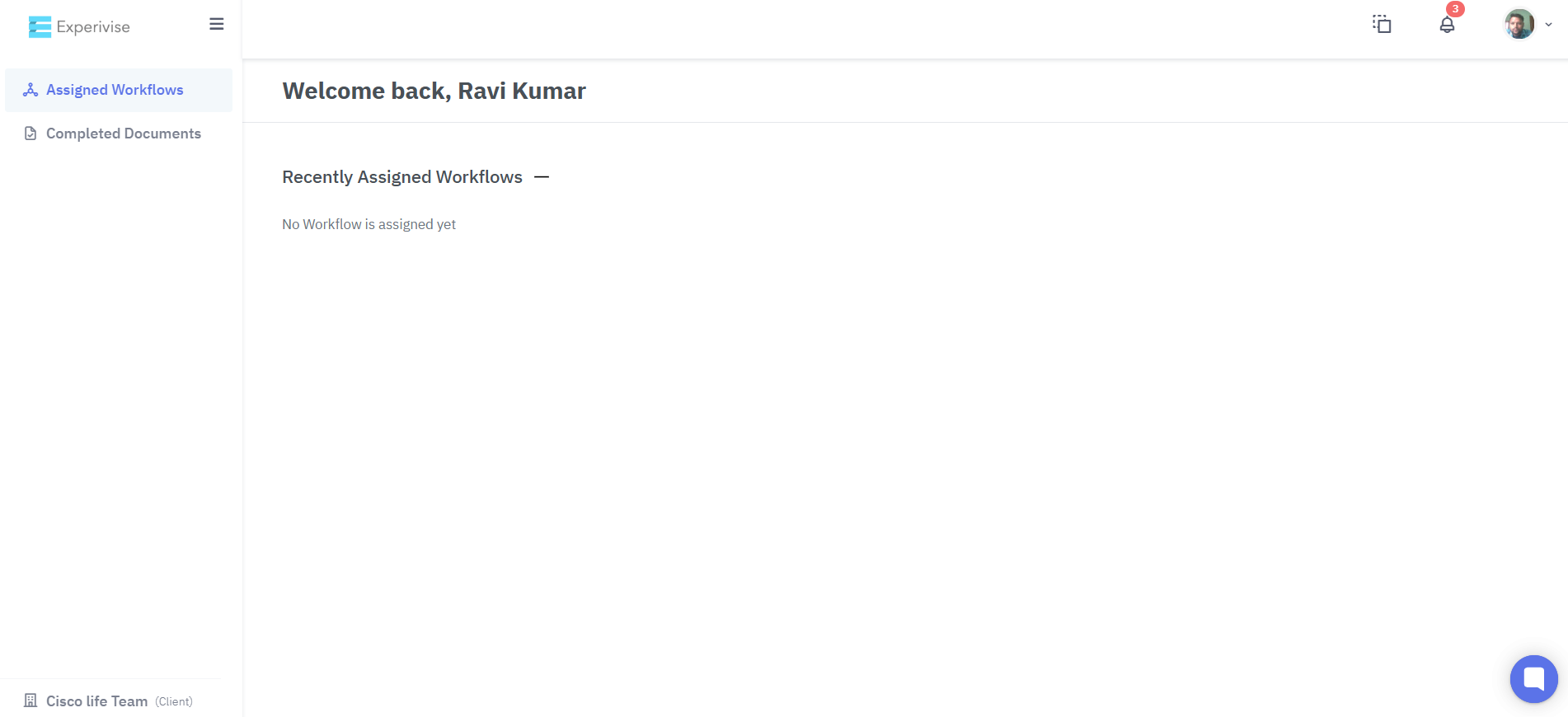
Account Activation
Once your account is approved, you can access and use the system fully.
Video Link : https://share.nmblc.cloud/faea2aba
